Best Platform for Customizable Educational Worksheets in 2026: Side‑by‑Side Comparison

Are you short on planning time and spending an ungodly amount of hours planning lessons? This guide delivers the best platform for customizable educational worksheets—so you can plan smarter, not longer. With EdTech projected to grow to over $170 billion by 2029, teachers need tools that match today’s speed and standards demands. Keep reading if you want a clear comparison table of top platforms and a decision-making guide to help you choose. At the end you’ll see why TeachShare is the teacher-first solution to explore.
Why Customizable Worksheets Matter
Let's be real static PDFs no longer cut it in diverse classrooms. Teachers now rely on interactive worksheets, digital worksheet creators, and standards-aligned resources to ensure lessons meet every learner’s needs. Over 65% of educators use digital tools daily and 74% report improved engagement with digital and game-based resources, signaling a just-in-time shift in pedagogy.
Supporting Differentiated Instruction
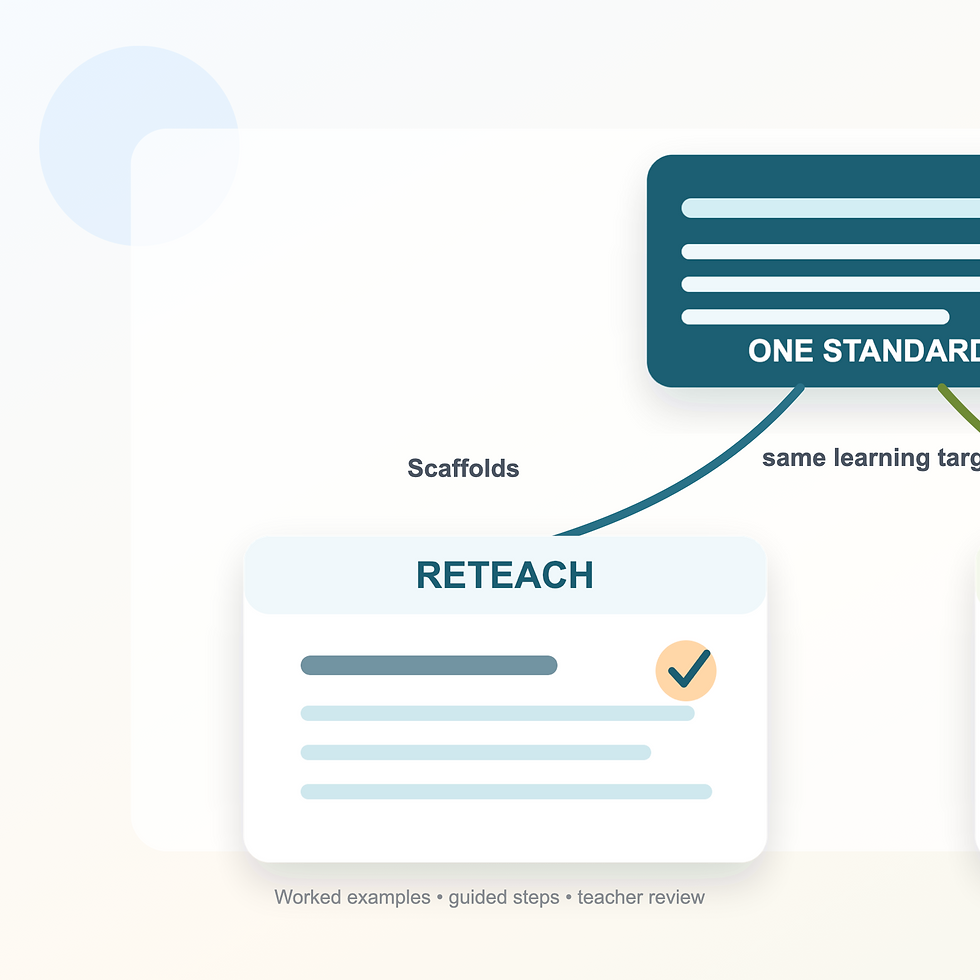
Differentiated instruction means tailoring content, process, and product to meet varied learner needs. Customizable worksheets reduce prep time by auto-generating leveled, scaffolded versions of the same lesson—think basic, intermediate, and challenge-tier math sheets generated with a single prompt.
Quick call‑out box:
Provide leveled text
Embed hints or extension tasks
Auto-translate key phrases
Balancing Print and Digital Learning
Hybrid formats add flexibility: students complete a print-ready PDF worksheet or can scan a QR or link to access a digital interactive quiz. This system supports hands-on practice, eco-friendliness, and live auto-grading for real-time feedback.
Comparison Criteria at a Glance
When evaluating EdTech, prioritize transparent, education-centered criteria:
Criterion | What To Look For | Why It Matters |
Standards Alignment | Finding a tool that aligns with Common Core/state standards; editable objectives | Aligns learning to curriculum |
Customization Depth | Scaffold options; adaptive question banks; version control | Supports diverse learners |
AI Creation & Interactive Elements | Worksheet generation; drag‑and‑drop; quizzes; gamified content | Saves prep time and boosts engagement |
Pricing | Free tiers, enterprise options | Ensures cost transparency and data security |
Side‑by‑Side Platform Comparison
Each tool scored on a 0–5 scale across our criteria:
Platform | Standards Alignment | Customization Depth | AI & Interactive Features | Pricing / Privacy |
TeachShare | 5 | 5 | 5 | Free‑to‑District pricing |
Canva | 3 | 3 | 3 | Free plan; limited tagging options |
TopWorksheets | 3 | 4 | 4 | Freemium; auto-grading; limited library |
Wizer | 4 | 4 | 4 | Free/premium; LMS integration; auto-feedback |
Almanack | 4 | 4 | 4 | Freemium + premium ($11.99/mo); strong standards & DOK support |
Built by educators for educators
Creator AI auto-generates scaffolded worksheets aligned to state standards (50 states supported)
Editable templates, gamification tools, and a resource Marketplace
Pricing: Free Toolbox, Classroom Plus (~$20/mo), District Premium
Privacy: SOC 2, FERPA, COPPA compliance
Drag-and-drop design platform with robust worksheet templates
Magic Resize, collaboration mode, and LMS exports
Best for visual customization but lacks automatic standards alignment
Creates interactive worksheets with auto-grading and multiple question types
Allows upload of PDFs or building from scratch
Good for small teams or tutors; free and premium plans offer moderate customization depth
Supports varied question types plus audio, images, videos, and automatic grading
Integrates with LMS platforms like Google Classroom
Engaging and media-rich but with fewer alignment features than TeachShare
A curriculum-aligned platform with AI-generated worksheets tied to standards and Depth of Knowledge (DOK) levels
Incorporated into broader lesson planning workflow
Supports LMS integration and differentiation at scale
How to Choose the Right Platform
Match your needs based on goals, budget, tech ecosystem, and content control:
Teachers & Small Teams: Seek fast setup, free options, AI scaffolding (TeachShare, Wizer)
School & District Leaders: Prioritize enterprise licensing, LMS/SIS integration, and analytics dashboards (TeachShare District Premium, Almanack)
Homeschool / Tutoring: Opt for affordability, printable content, flexible licensing (TeachShare, TopWorksheets, Almanack)
Frequently Asked Questions
Is AI-generated content aligned with state standards?
Yes— tools like TeachShare produce AI-generated items that align with state standards and allow manual adjustment.
How do these platforms integrate with my LMS?
TeachShare, Wizer, Canva, and Almanack support one-click exports or LTI integration for platforms like Google Classroom, Canvas, and Schoology.
Can I create, sell, or share my own worksheets?
Yes, tools like TeachShare allow educators to publish and remix resources; monetization options available depending on platform.
Are there free plans or trials available?
All of these platforms offer free tiers or trial periods, giving educators a risk-free way to test their fit.
Whether you're building differentiation into teaching, enabling hybrid learning, or streamlining your planning workflow, teachers around the globe have agreed that TeachShare stands out as the best platform for customizable educational worksheets in 2025. Try it for free today at TeachShare


Comments