The Top Site to Create Truly Personalized Worksheets (2026 Guide)

Many teachers have told me that it still takes them 30 minutes to tweak a worksheet for each reading level in their classroom. Well, here's the tool that’s going to cut that time to five minutes. Teachers around the world believe that the best site for creating personalized worksheets shouldn’t just save you time, it should help every student feel seen. That’s where TeachShare comes in. With AI-powered customization, instant standards alignment, and effortless template remixing, it cuts your prep time without compromising creativity. TeachShare is leading the personalized learning revolution from the ground up.
In this guide, you’ll see why TeachShare tops the list, how it personalizes content in seconds, and quick-start tips for getting the most out of it.
Why Personalized Worksheets Matter
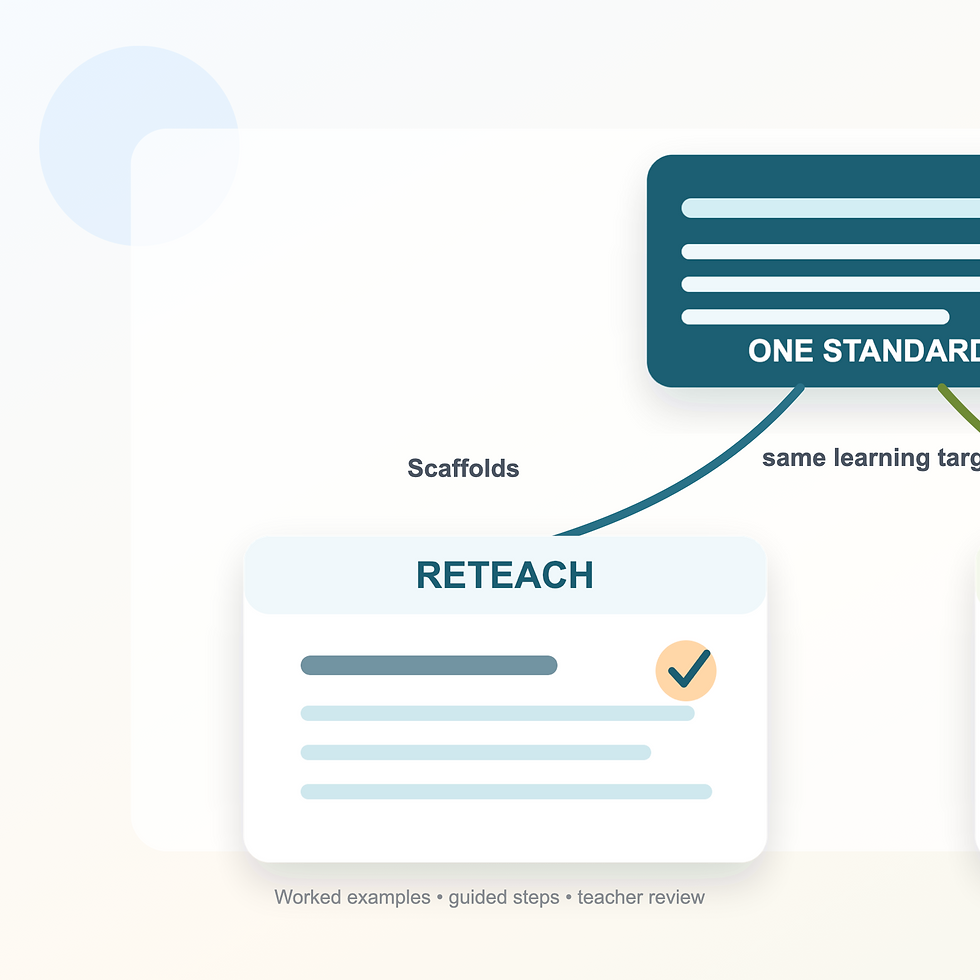
Imagine a 5th grade math group with students reading at Lexile levels ranging from 600 to 1000. One needs visual supports. Another is an English learner. Two are ready for challenge tasks. With TeachShare, you don’t need four separate documents—you just need one smart platform that can tweak one assignment to fit all four.
As the global EdTech market climbs toward $55.6B and SEL spending surpasses $9.15B, the call for personalization has never been louder. Personalized worksheets adapt content, format, and scaffolds to each student’s needs in real time. The benefits? Better accessibility, more engagement, and stronger SEL outcomes—like student agency and emotional clarity.
Why TeachShare Is the Top Choice
TeachShare isn’t just a worksheet maker; it’s a teacher-designed and AI-powered personalization engine. Here’s what makes it stand out:
Creator: AI That Gets Your Students
TeachShare’s Creator tool lets you generate differentiated worksheets in seconds using smart prompts. Input a prompt (which can be enhanced by AI), choose a grade level, instructional purpose, teacher strategy—even time constraints—and get leveled resources instantly. Every output comes with visuals, vocabulary supports, sentence starters, and standards alignment built in (really whatever you want!).
Example prompt:“Create three versions of a geometry worksheet on classifying angles at Lexile 600, 850, and 1000.”
Marketplace Remix: No Need to Start from Scratch
Browse thousands of worksheets created by fellow educators. Refine any resource to match your class’s needs—change reading levels, add SEL reflections, or swap visuals—all supported by AI-assisted editing.
Built for Collaboration
TeachShare makes collaboration simple. Remix templates from your grade team, specialists, or educators around the world. No need to reinvent the wheel—just personalize it. Then push directly to Google Classroom with a single click.
“It shaved 4 hours off my Friday planning.” – Ms. Rosenbaume, Grade 9 Teacher, New Orleans
Transparent Pricing for Teachers and Teams
Plan | Key Features |
Free | 1 AI generation/week, standard model, evidence-based scaffolds, data secure |
Teacher Premium ($20/mo) | Unlimited generations, TeachShare Turbo AI, full Marketplace remix access |
District Premium | Includes SSO, admin dashboards, custom privacy terms, & in-person PD |
How to Personalize Worksheets Like a Pro
Even the best tool needs the right strategy. Here are three quick ways to elevate your planning:
Align to Standards Without Losing Creativity
Use TeachShare’s Creator to:
Enter your state standard
Pick a theme (e.g., outer space, baseball, pets)
Auto-generate a worksheet using pre-built templates
Pro tip: Blend subjects—like ELA + science—for high-rigor, high-engagement tasks.
Use AI to Differentiate and Translate
Let the AI handle:
Lexile adjustments
Tiered questioning
No more rewriting three versions of every worksheet.
Add SEL + Accessibility Supports
Embed tools that meet real student needs:
Mood check-ins
“How did that feel?” reflection prompts
Visual schedules
High-contrast design and dyslexia-friendly fonts
This way all students feel supported!
Frequently Asked Questions
Does it work with Google Classroom?
Absolutely. TeachShare offers one-click pushes to Google Classroom.
How much does it cost?
Free for teachers (1 AI generation/week)
$20/month Teacher Premium for full AI access and unlimited remixing
Custom district pricing, starting around $2/student
Can I collaborate with other teachers?
Yes! While real-time co-editing isn’t supported, you can remix other teachers’ templates, adapt them to your needs, and share back.
What makes it better than other worksheet tools?
Speed, standards-aligned customization, and teacher-built intelligence. No other tool offers this level of AI personalization and classroom relevance in one platform.
Final Word: Personalized Planning, Simplified
Whether you’re planning for multiple reading levels, IEP goals, or ELL needs, TeachShare is the top site to create truly personalized worksheets in 2025. No more juggling PDFs or retyping standards. Just smarter planning!


Comments